
Run your own wedding photo booth
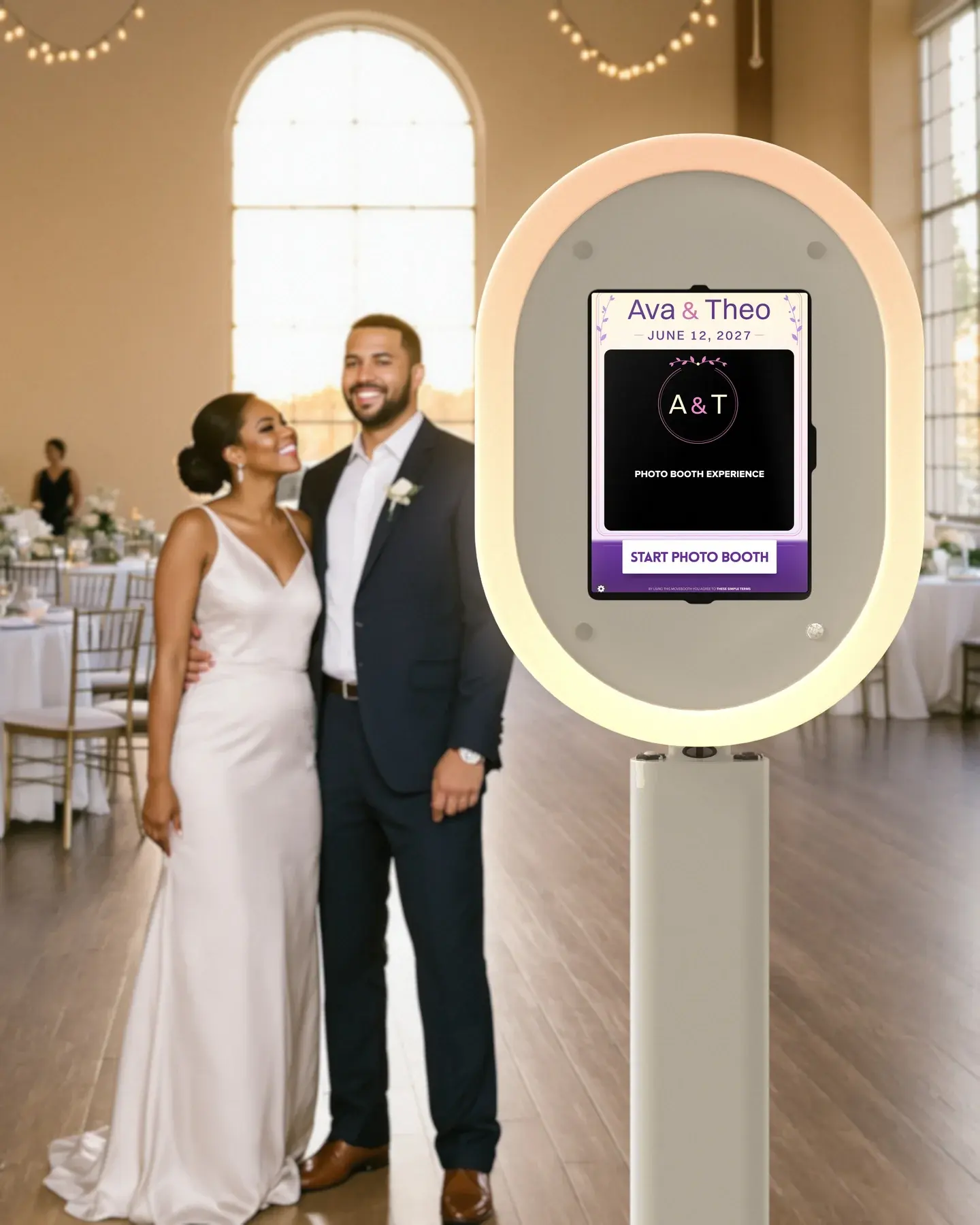
A Movebooth rental ships to you ready to go. In the dashboard, you upload an overlay, the design that puts your names and wedding date on every photo.
- Best for
- Couples who'd rather set up a booth themselves than hire one.
- Personalize
- Upload your overlay on any plan, Lite included.
- Guests get
- Their photo, GIF or boomerang by text message or email, with nothing to download.
- Book ahead
- At least 10 days before the wedding. Allow 2 to 3 weeks for complex branding.
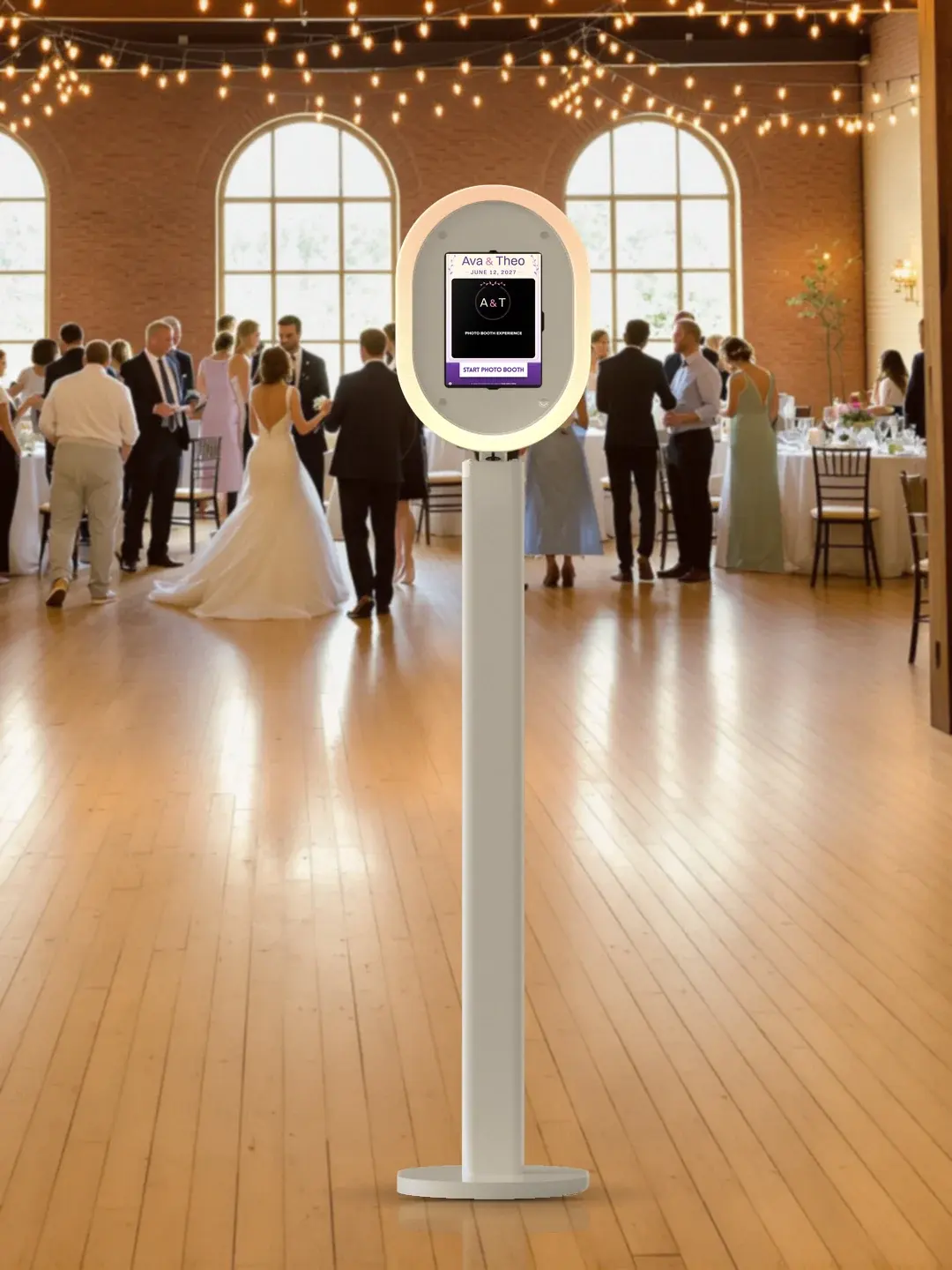
Your wedding photo booth, step by step
1. Book your dates
Choose a plan and dates, then add the shipping address: your home, a family member's, or a venue that agrees to hold it.
2. Upload your overlay
Add the image with your names and wedding date in the dashboard, then check the preview.
3. Take delivery
UPS brings the booth in its rolling case, with the app already installed.
4. Set it up
Assemble the stand and mount the head unit. You can use the app from 12 hours before your rental starts. Once the booth is online, your overlay syncs from the dashboard.
5. Hand it to your guests
They tap the screen, pose, and get their photo, GIF or boomerang by text message or email.
6. Send it back
Pack everything in the rolling case and drop it off within 1 business day after your end date, using the prepaid return label. The label shows which carrier to use.
What it costs
Round-trip shipping comes with every plan. The rent page shows what Plus and Pro add.
| Plan | Daily rate, 1 to 2 days | Weekly rate, 3 or more days |
|---|---|---|
| Lite | $299/day | $799/week |
| Plus | $599/day | $1,399/week |
| Pro | $649/day | $1,699/week |
Daily rates cover 1 to 2 day rentals. Rentals of 3 days or more are billed in whole weeks, rounded up.
A DIY booth next to a staffed booth
A staffed booth usually comes with an attendant who sets up and packs up. With a DIY booth, a friend can handle both.
Setup
MoveboothYou put it together yourself.
Local staffed boothUsually included in the package.
Who runs it
MoveboothYour guests.
Local staffed boothOften an attendant. Some booths run without one.
How you pay
MoveboothA daily or weekly rate for your rental dates.
Local staffed boothOften by the hour, such as a three-hour package.
After the event
MoveboothYou pack it in its case and send it back with the prepaid label.
Local staffed boothBreakdown is usually included too.
| Topic | Movebooth, shipped to you | Local staffed booth |
|---|---|---|
| Setup | You put it together yourself. | Usually included in the package. |
| Who runs it | Your guests. | Often an attendant. Some booths run without one. |
| How you pay | A daily or weekly rate for your rental dates. | Often by the hour, such as a three-hour package. |
| After the event | You pack it in its case and send it back with the prepaid label. | Breakdown is usually included too. |
Staffed booth details are from a public wedding-vendor cost guide, checked November 3, 2026.
Questions about a DIY wedding photo booth
- Can we run a photo booth at our wedding ourselves?
- Yes. Once it's set up, guests use it on their own and get their photos by text message or email.
- Where should the booth ship for a wedding?
- Anywhere in the lower 48 states where someone can receive the UPS delivery. If that's the venue, check first that they'll hold it for you.
- What does setup involve?
- Putting the stand together, mounting the head unit, which has the iPad already in it, and signing in. You can use the app from 12 hours before your rental starts. Remote support is available during your event if anything comes up.
- Can we put our names and date on the photos?
- Yes. Make your overlay as a PNG image with your names and date, and upload it in the Movebooth dashboard.
- Who packs it up after the wedding?
- Anyone you ask. Everything goes back in the rolling case within 1 business day after your end date, and the return label is prepaid.
- What does a wedding photo booth rental cost?
- Rentals start at $299/day on Lite, with shipping both ways included. For 3 days or more, each week or part of a week bills at the weekly rate.
You may also like
Rent a Photo Booth That Ships to You
What arrives, where it ships and how the return works.
Photo Booth for Weddings & Private Events
Guests run the booth themselves and get their photos by text or email, with your overlay on each one.
Best Photo Booth for Weddings
Photo booth apps for weddings, compared.